
Framer vs Webflow: Which Is Right for Your Startup in 2026?

Quick answer
Framer is usually better for startups that want a fast, design-first website builder, while Webflow is better for teams that need deeper CSS control or complex content operations. For most startup landing pages and marketing sites, Framer is the faster path to launch.
Key takeaways
Choose Framer for speed, animation, and visual editing.
Choose Webflow for complex structure and granular styling.
Match the platform to your team’s workflow, not just feature lists.
Two platforms dominate the no-code website space for startups and agencies: Framer and Webflow. Both let you build professional websites without writing code, but they take very different approaches. Choosing the wrong one can cost you weeks of rework. This guide breaks down exactly what each platform does well — so you can pick the right one and start building.
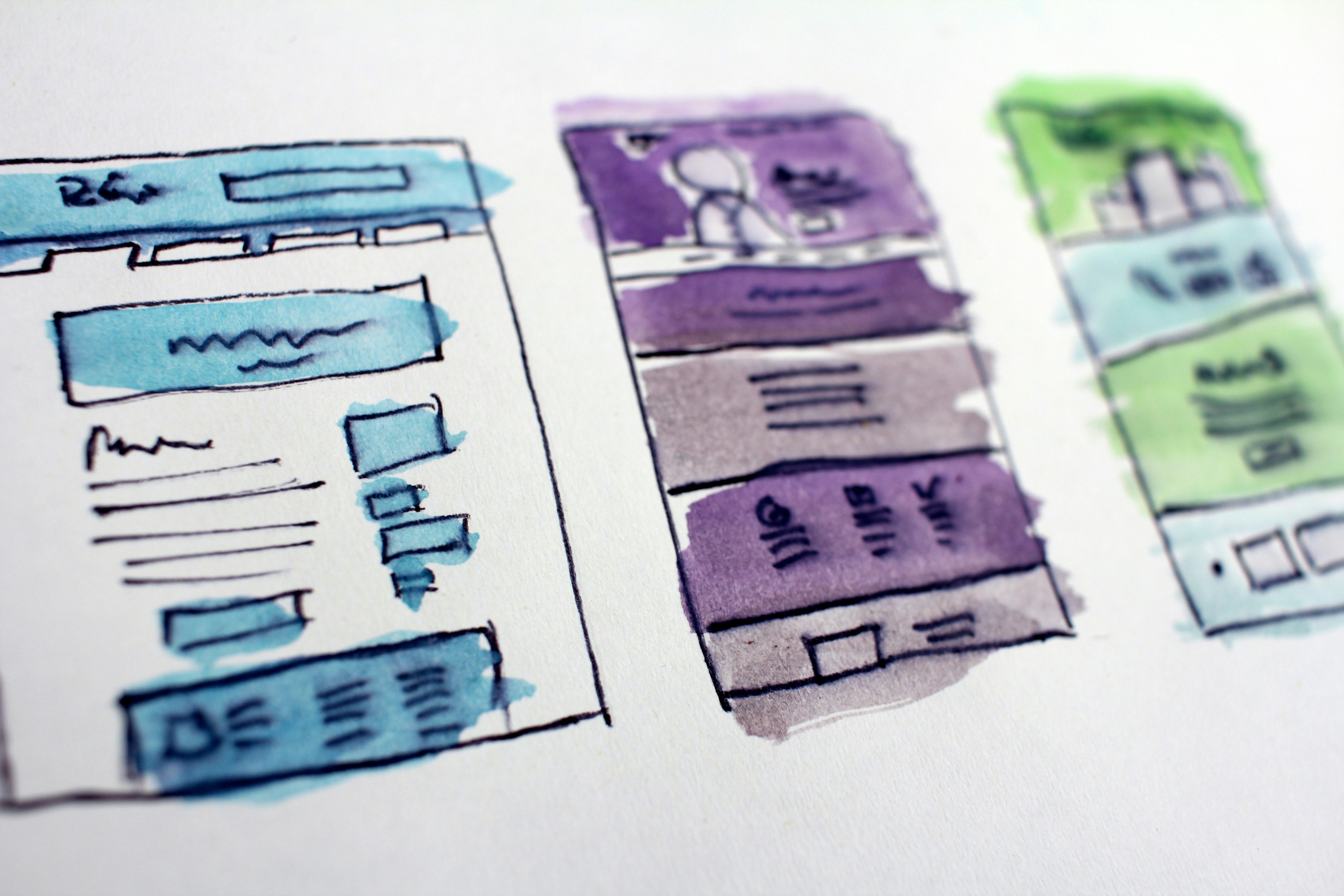
The Core Difference Between Framer and Webflow
Framer started as a design prototyping tool and evolved into a full website builder. Webflow started as a website builder and added design capabilities over time. That origin shapes everything. Framer feels closer to Figma — fast, visual, and intuitive. Webflow feels closer to a development environment — precise, structured, and powerful once you know its system.
Ease of Use
Framer is generally easier to pick up. The interface is familiar to anyone who has used Figma, and you can build a polished page without understanding CSS or HTML at all. Webflow has a steeper learning curve — its box model and class-based style system take time to master. For founders with no design or development background, Framer is almost always the faster path to a live site.
Design Flexibility
Both platforms give you serious design freedom. Framer excels at smooth animations, scroll-triggered effects, and interactive components — all built visually with no code. Webflow gives you more precise control over layout and CSS, making it stronger for complex, content-heavy editorial sites. For landing pages and marketing sites, Framer is typically faster to build and easier to iterate. For large-scale content operations, Webflow has the edge.
Pricing Comparison in 2026
Framer is free until you need a custom domain. Paid plans start at around $5 per month for personal sites and scale up for teams and agencies. Webflow offers a free plan for up to two pages, with paid plans starting around $14 per month. For most startups on a budget, Framer offers significantly more value at the entry level — especially when you are still validating your product and need a fast, cheap way to get a site live.
CMS and Dynamic Content
Both platforms have a built-in CMS for blogs, portfolios, and product listings. Webflow’s CMS is more mature and better suited for large content operations with complex filtering, multi-author workflows, and content references. Framer’s CMS is simpler and faster to set up — ideal for a blog, a small template library, or a product showcase. If your content operation is small or just starting, Framer’s CMS will cover everything you need.
SEO Capabilities
Both Framer and Webflow produce clean, fast HTML that Google can crawl and index well. Framer handles core SEO automatically — sitemaps, canonical URLs, meta tags, and responsive images. Webflow gives you slightly more granular control over custom code injection and structured data. For most startups, Framer’s built-in SEO tools are more than sufficient to rank well without any technical configuration.
Which Platform Should You Choose?
Choose Framer if you want to move fast, prefer a design-first experience, and do not need a complex CMS. It is the best choice for startups launching a landing page, marketing site, or portfolio in days rather than weeks. Choose Webflow if you need a highly structured content operation, complex e-commerce, or granular CSS control over every element. Either way, EV Studio has templates for both platforms — so you can skip the blank canvas and launch immediately.
Two Platforms, One Big Decision
Two platforms dominate the no-code website space for startups and agencies: Framer and Webflow. Both let you build professional websites without writing code, but they take very different approaches. Choosing the wrong one can cost you weeks of rework. This guide breaks down exactly what each platform does well — so you can pick the right one and start building.
Need a new website or Template customization?
Share some info about your website or business and we will get back to you within one hour or less.

Book Intro Call
This quick call is a chance for us to learn more about your goals, answer any questions, and see how we can best support your project.
Istaiq Ahmed